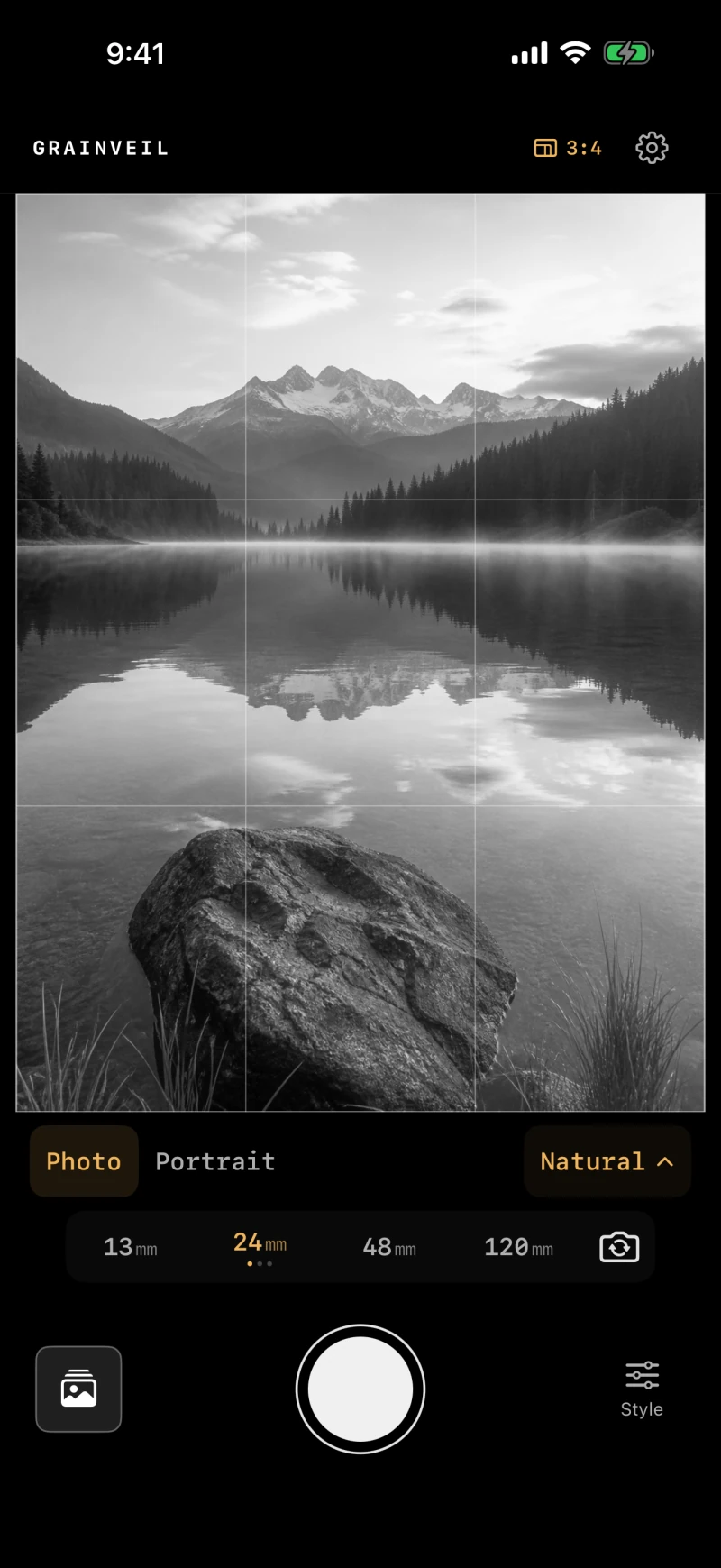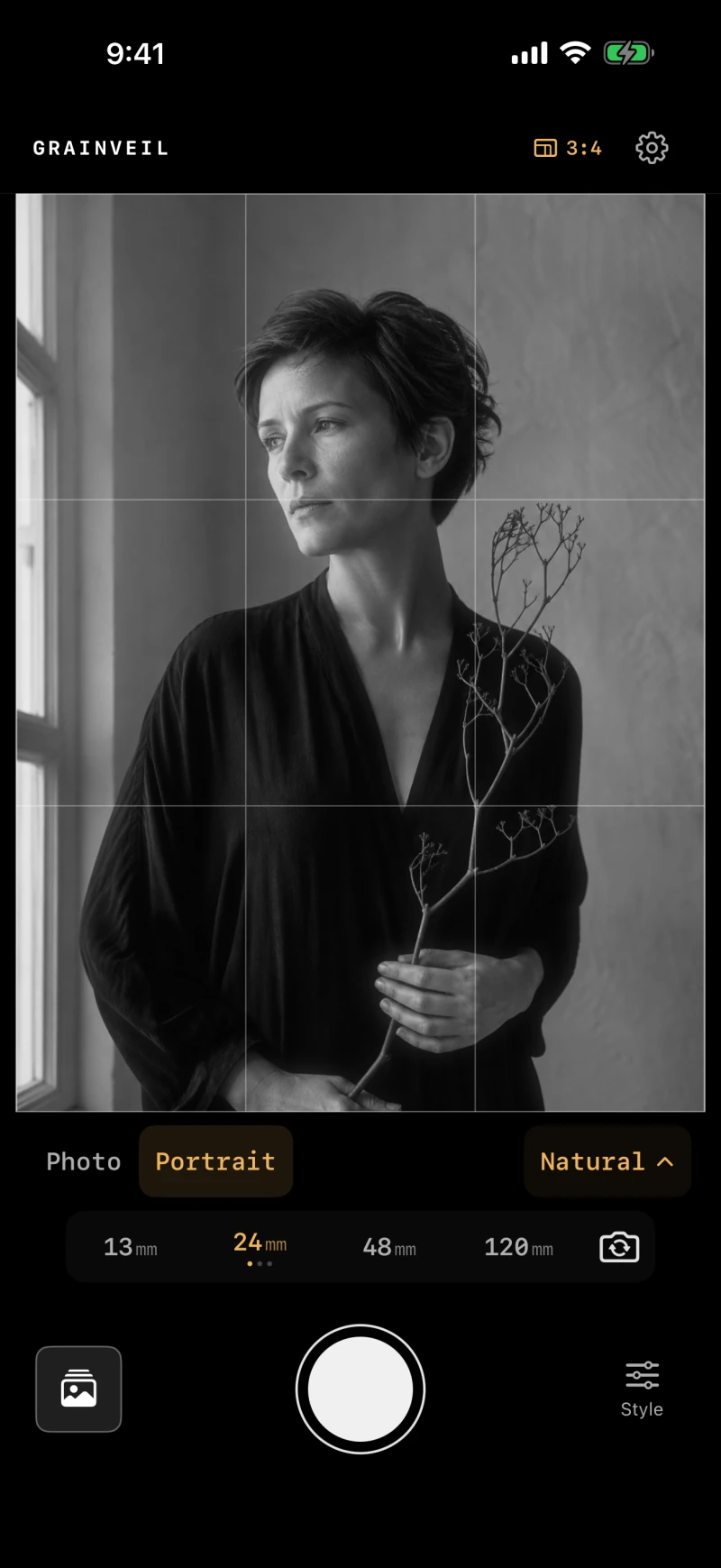

A black-and-white camera for iPhone

Monochrome,
developed.

Choose your lens. Shape the depth, tone, bloom, and grain. Grainveil develops each capture into a finished black-and-white photograph—entirely on your iPhone.

Free with optional lens collections · iOS 18 or later

Grainveil 1.1 is now on the App Store. Explore the lenses, depth controls, and refined camera experience below.

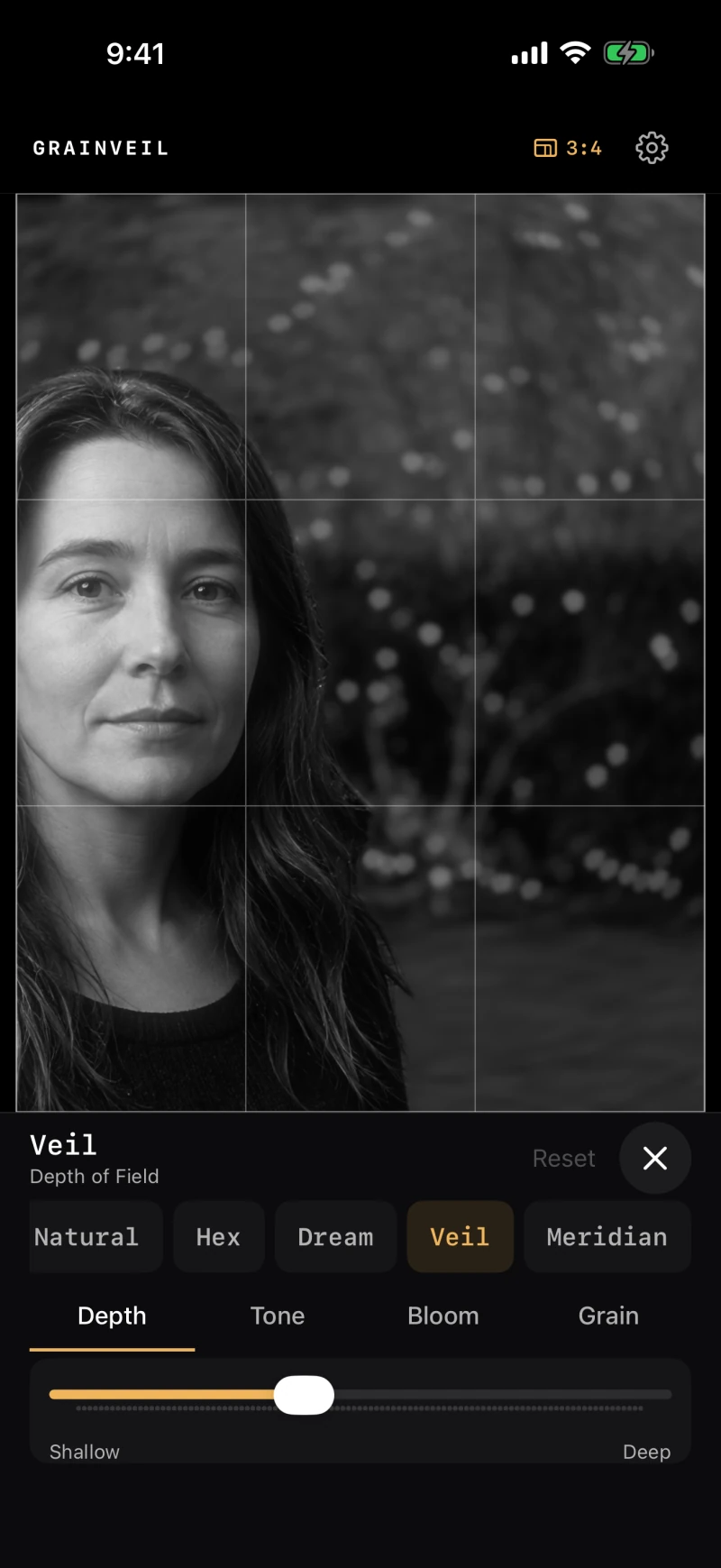
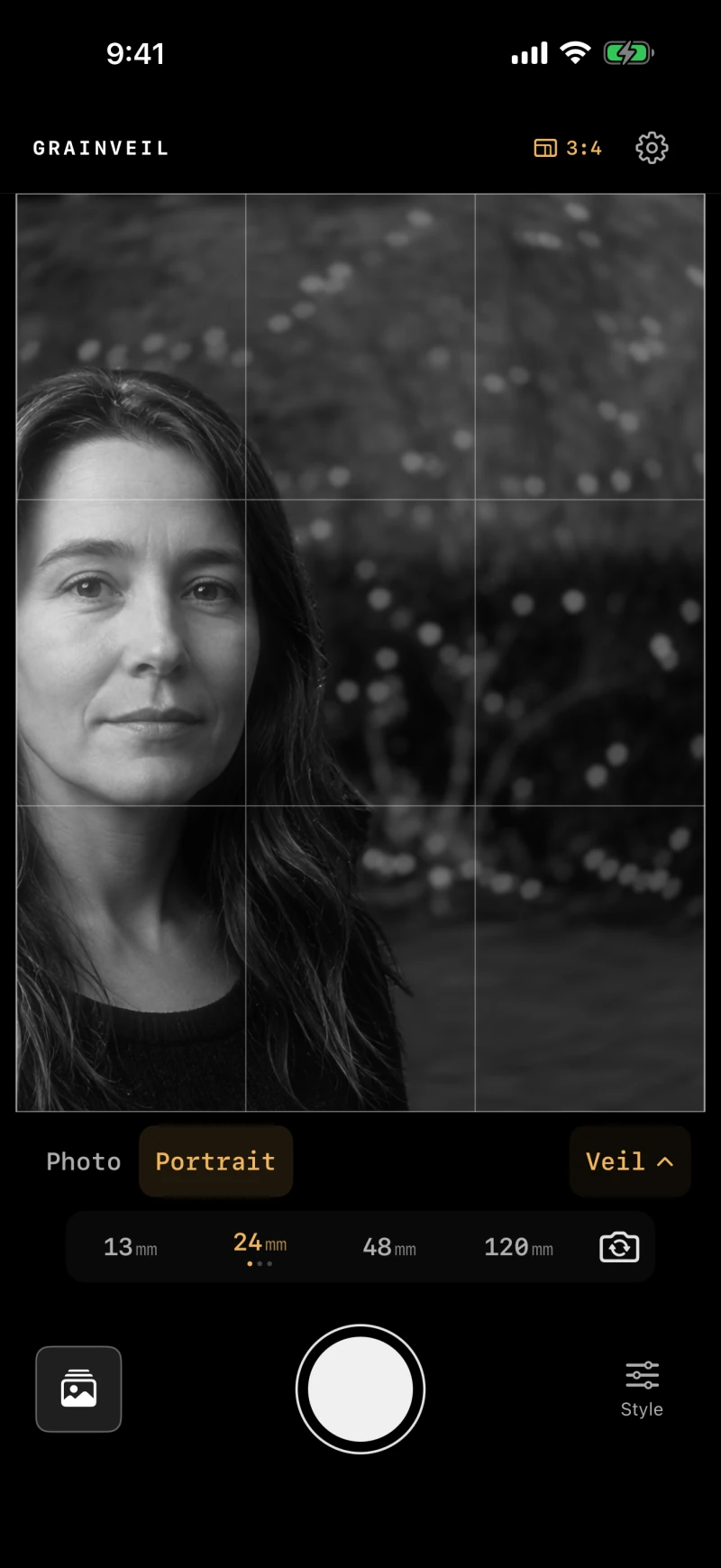
Grainveil 1.1 in Portrait mode with Veil selected, showing a monochrome portrait against soft foliage

Full-resolution processing

On-device depth

No account or cloud

The photograph begins at the shutter

Less fixing later.
More intention now.

From Natural’s quiet rendering to Veil’s swirling highlights, choose the character that suits the scene. Keep the controls close and your attention on the photograph.

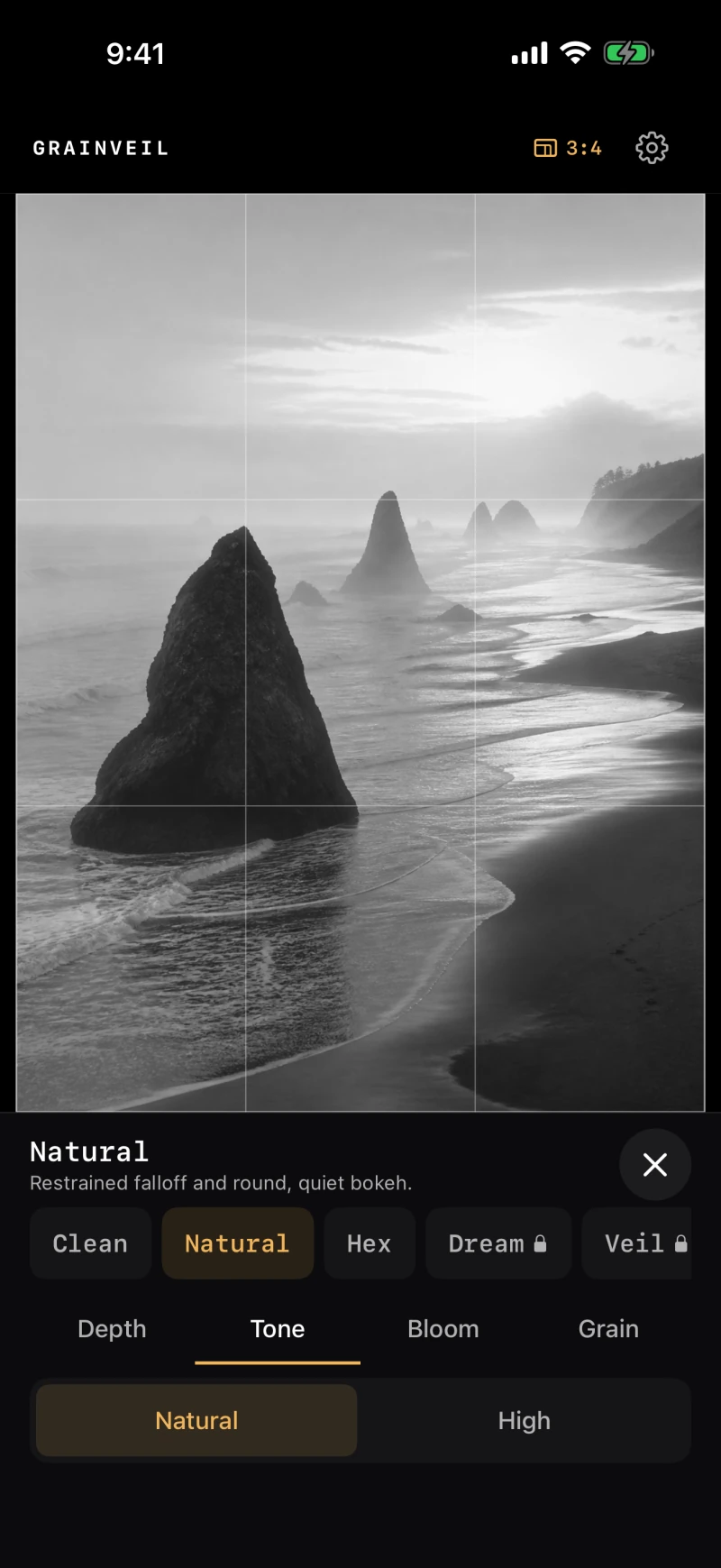
Grainveil’s inline Style panel, with Natural selected and Depth, Tone, Bloom, and Grain controls below the photograph

01 · Style

Shape the finished image.

Choose smooth Natural tone or punchier High contrast. Add a glow around bright detail and choose the grain for your finished photograph. The Style panel stays below or beside the viewfinder, leaving the image undimmed.

  • Natural and High contrast
  • Off, Normal, and High bloom
  • Off, Fine, and Rich grain in the developed photograph
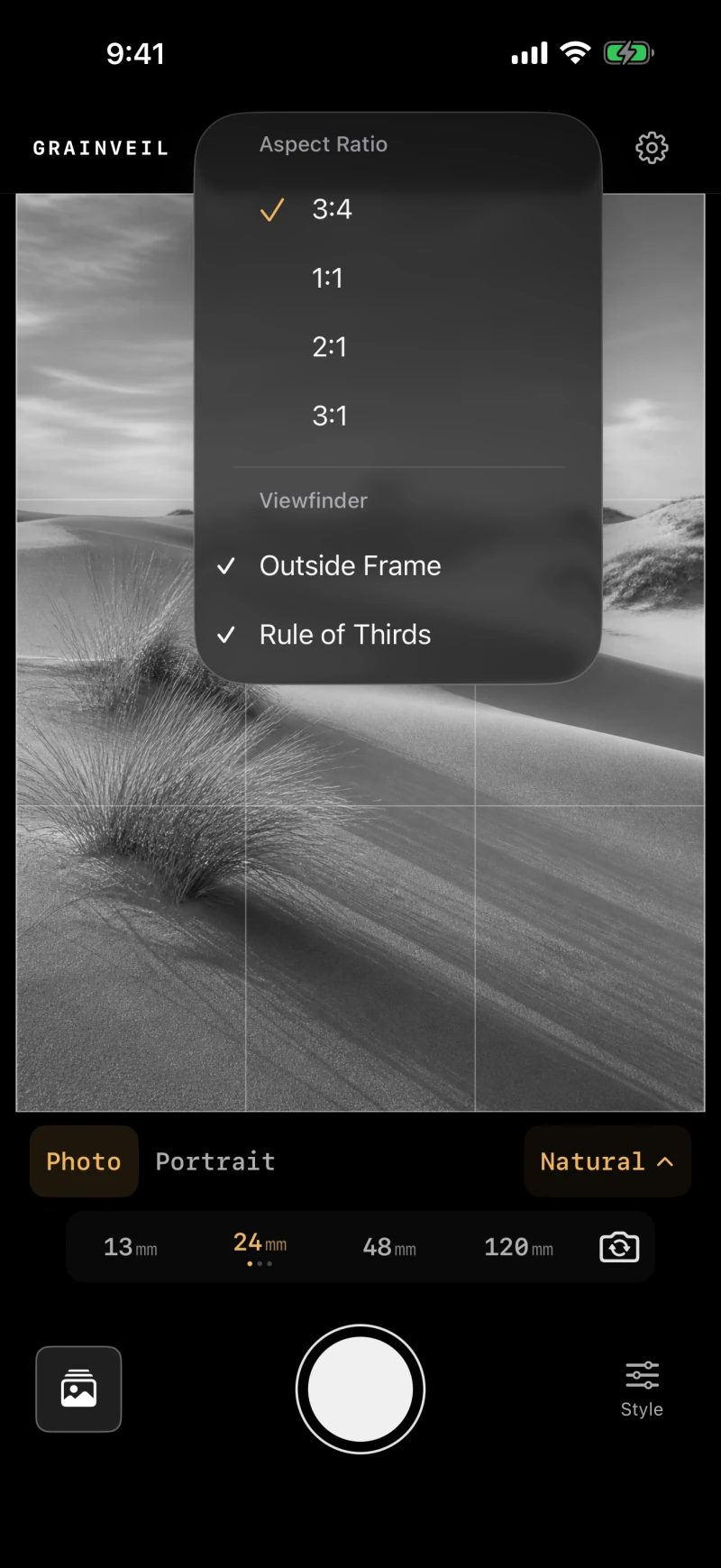
Grainveil’s framing controls over a monochrome landscape, with aspect ratios and an outside-frame preview

02 · Frame

See beyond the photograph.

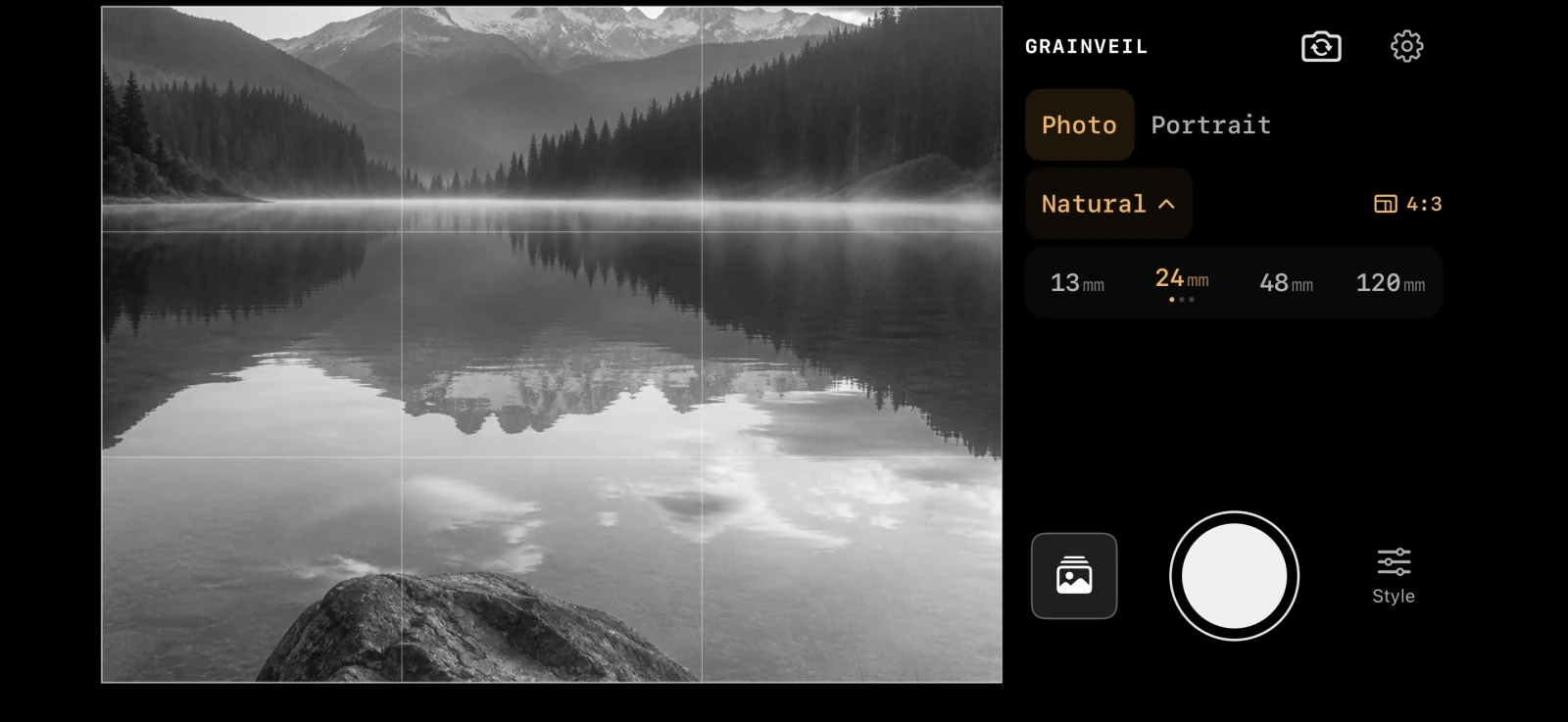
Compose in 3:4, square, 2:1, or 3:1. An optional dimmed live area shows what sits just outside the crop, while the rule-of-thirds grid keeps the frame disciplined.

  • Classic and panoramic aspect ratios
  • Outside-frame live preview
  • Portrait and landscape layouts with an optional thirds grid
Veil’s Depth of Field control, with a slider from Shallow to Deep beneath a monochrome portrait

03 · Depth

Choose what falls away.

In Portrait, move Depth toward Shallow for more blur or toward Deep for less. Each depth-enabled lens remembers its own setting, so a subtle Natural portrait and a more expressive Veil photograph can both feel right.

  • Tap to choose your focus point
  • Clean, Natural, and Hex included
  • Dream, Veil, and Meridian in optional Collection I
  • Depth processing stays on your iPhone

Find your optical character

Three lenses to begin.
Three more to explore.

Clean, Natural, and Hex are included free. Collection I adds Dream’s soft glow, Veil’s swirling highlights, and Meridian’s smooth portrait rendering. Compare the lenses on the same scene before choosing.

Collection I is a one-time purchase with Family Sharing. No subscription. Restore your purchase in Settings → Lens Collections.

Private by design

Your photographs remain yours.

Grainveil has no account, advertising, analytics, tracking, or developer-operated image service. Photographs and depth processing stay on your iPhone.

Grainveil app icon

For the photograph you meant to make

Grainveil for iPhone.

Monochrome without the detour.

Download Grainveil on the App Store